
Configurator & CLI
Create a project two ways — the CLI (dotnet new netforge) or the online configurator. The options map 1:1, so the configurator simply builds the same command.
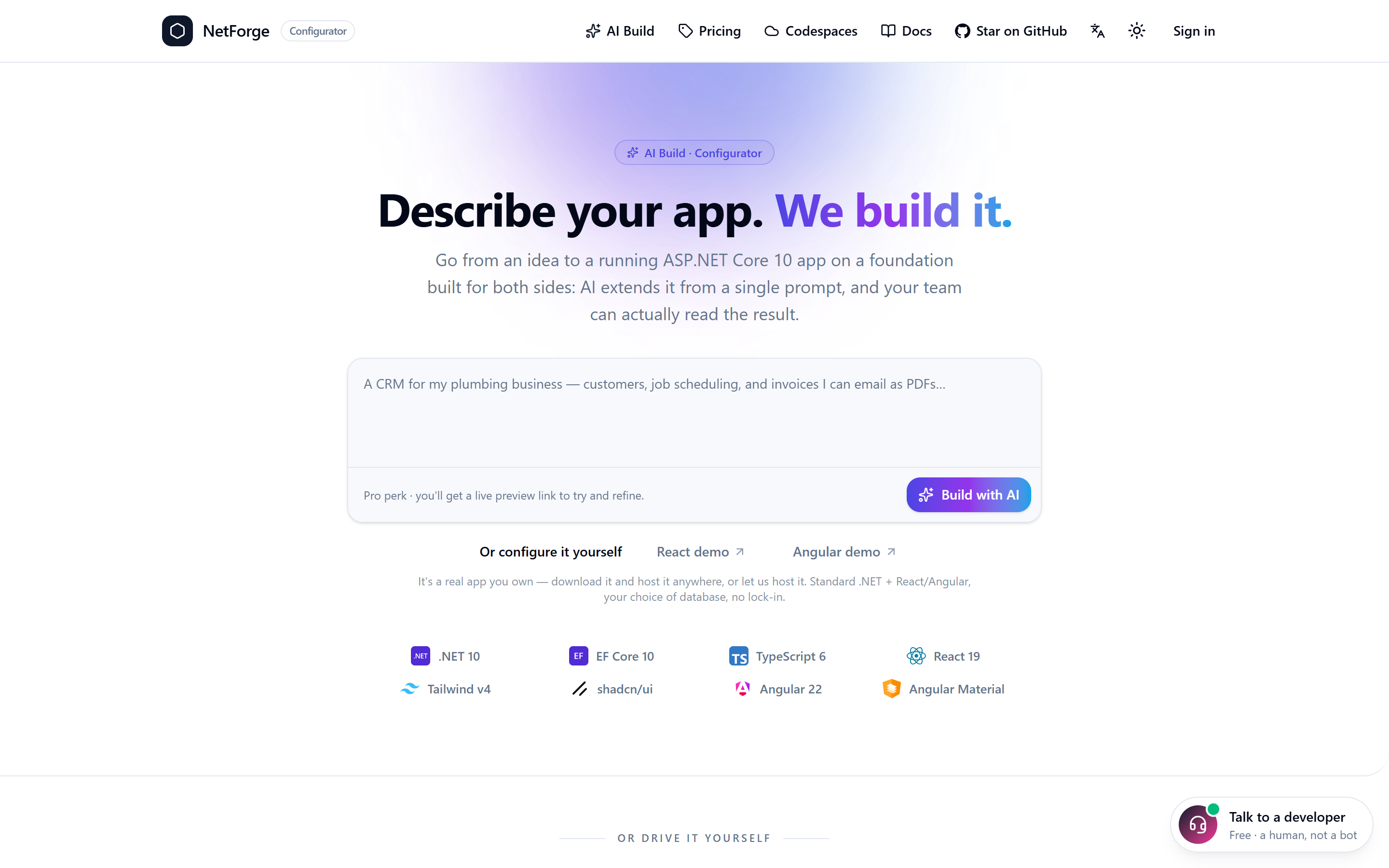
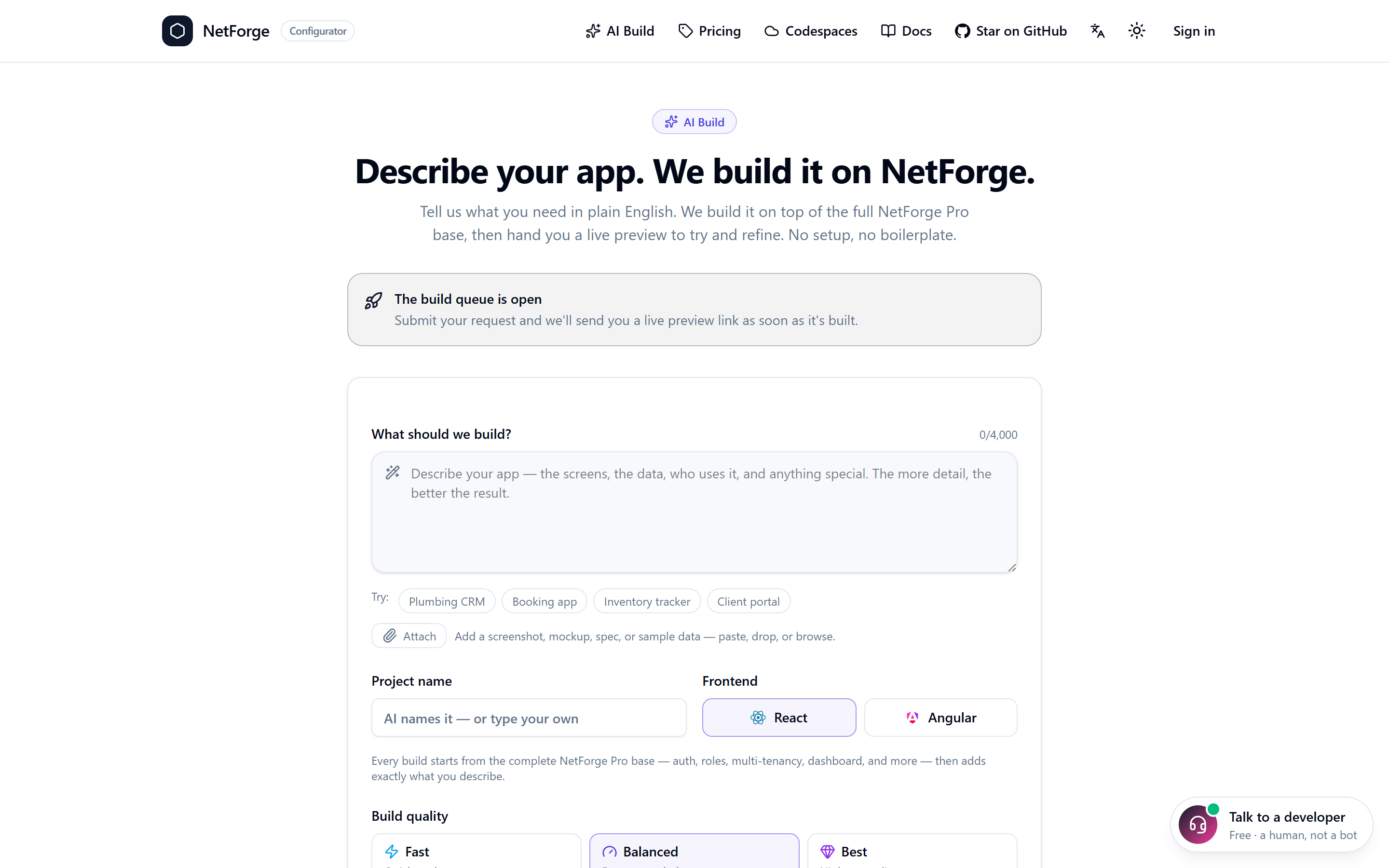
Prefer to let AI do the first draft? The same options drive the AI build flow — a plain-language brief, your choice of React or Angular, and a live preview link to try and refine:
Options
| CLI flag | Configurator | Values | Default | Effect |
|---|---|---|---|---|
-n, --name | Project name | identifier | NetForge | Names the solution, namespaces, and folders. |
--tier | Edition | pro | basic | pro | basic strips the premium subsystems for the free MIT edition. |
--database | Database | sqlite | postgres | sqlserver | sqlite | Provider the scaffold is wired for. Server DBs ship a docker-compose. See Databases. |
--devSplit | Use SQLite for local dev | true | false | false | (Server DB only) SQLite locally, server DB in production. |
--IncludeDemo | Demo (Sales) domain | true | false | true (Pro) | The sample Sales vertical + its tests. Pro only. |
--brandColor | Accent colour | CSS colour | (theme) | Starting brand accent, baked into the scaffold. |
--brandTheme | Theme | ocean/forest/sunset/… | (theme) | Starting curated theme. |
--opt<Feature> | per-feature toggles | default/on/off | default | Force an individual subsystem on/off regardless of tier (e.g. --optWebhooks off). |
--Google / --Microsoft / --GitHub | OAuth providers | true/false | true | Include that provider's wiring (still config-gated at runtime). |
Per-feature toggles
The tier is a baseline; every premium feature is individually settable with --opt<Feature> (default follows the tier; on/off force it). Dependencies cascade — turning off a feature another depends on turns that one off too, so every combination produces a buildable project.
# A lean core, but add back audit + the global search palette:
dotnet new netforge -n App --tier basic --optAudit on --optSearch on

# Full Pro, but no multi-tenancy and no file uploads:
dotnet new netforge -n App --optMultiTenant off --optFileUploads off
Tunable later
Almost everything is changeable after scaffolding: the database via Database:Provider, the theme/accent at /admin/appearance, permissions at /admin/roles, and features via config. See Configuration.