
Command palette & search
Press ⌘K / Ctrl+K (or click the search bar in the top bar) to open the command palette — a single keyboard surface for finding data, jumping between screens, and running actions.
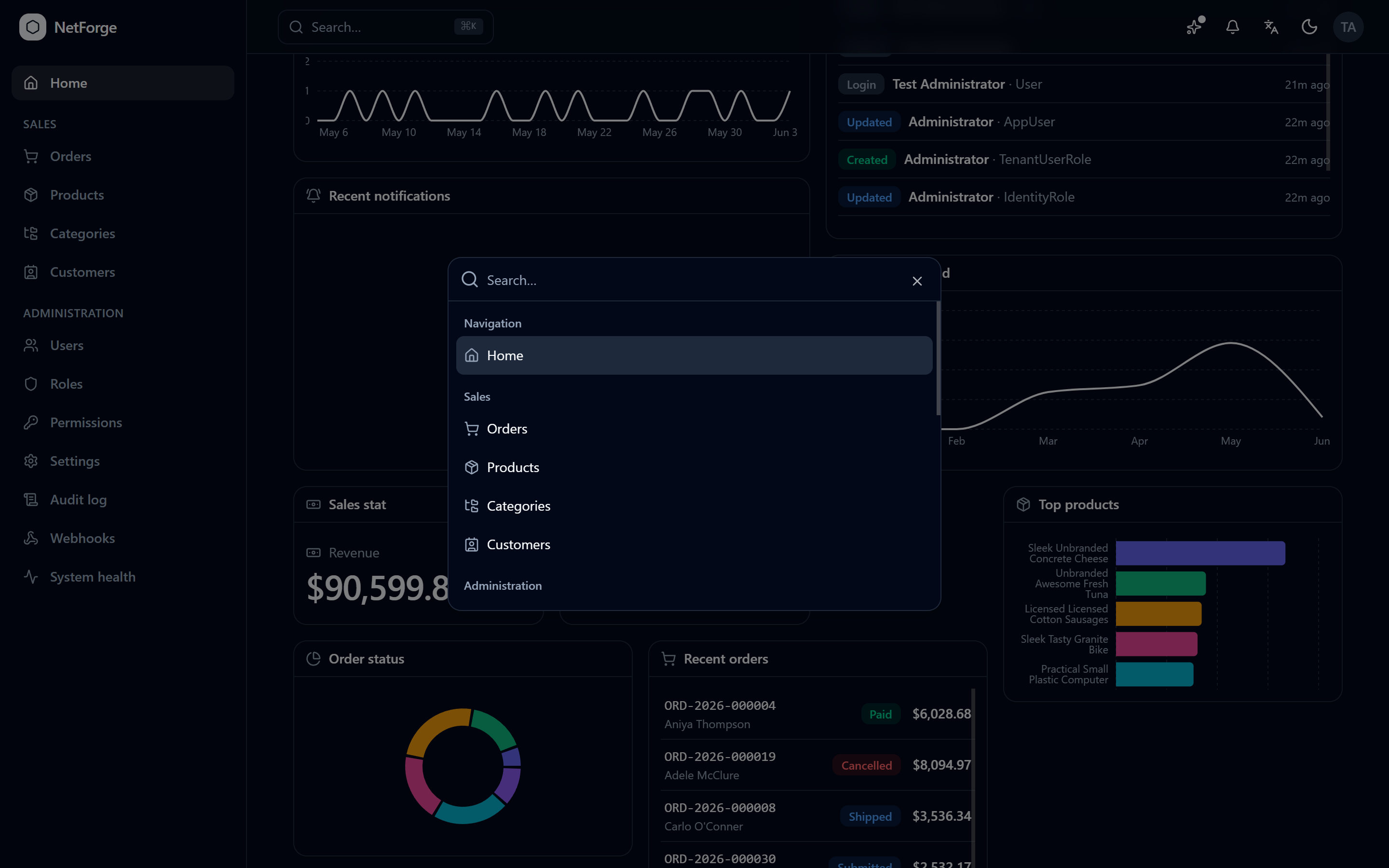
Three kinds of result
- Find — searches your data. Matching orders, products, customers, users, settings, and notifications appear in grouped lanes.
- Navigate — jump to any screen.
- Actions — profile, theme, and other quick commands.
Results are permission-scoped — you only ever see what you're allowed to (users show only to admins, for example) — and matching is case-insensitive. Selecting a result deep-links straight to it.
Configurable per deployment
Which record types appear is controlled per provider from Settings → Search. An admin can switch any lane (orders, products, customers, …) on or off to match how the team works — no code change.
Make a slice searchable
Any feature becomes searchable by implementing ISearchProvider and registering it. The backend fans queries out to every provider in parallel and merges the ranked lanes; providers filter results to the current user with SearchContext.Can(permission), and each gets an admin on/off toggle (Search.{Key}) for free:
public sealed class ProjectSearchProvider : ISearchProvider
{
    public string Key => "projects";
    public async Task<IEnumerable<SearchHit>> SearchAsync(SearchContext ctx, string term, CancellationToken ct)
    {
        if (!ctx.Can(ProjectPermissions.Read)) return [];
        // … match, rank, and return hits linking to /projects/{id}
    }
}
The full recipe is Add a search provider.
Community edition
Global search is a Pro feature. See Editions.