
Webhooks
Outgoing webhooks with HMAC-signed payloads, automatic retries, and a per-attempt delivery log — managed from the admin UI.
For admins
Admins with webhooks.read get Webhooks at /admin/webhooks. Register an endpoint — a payload URL, a generated signing secret, and the events it should receive — and NetForge POSTs a signed JSON body there whenever one of those events fires. Endpoints can be paused and edited; the secret is shown once at creation and masked afterward.
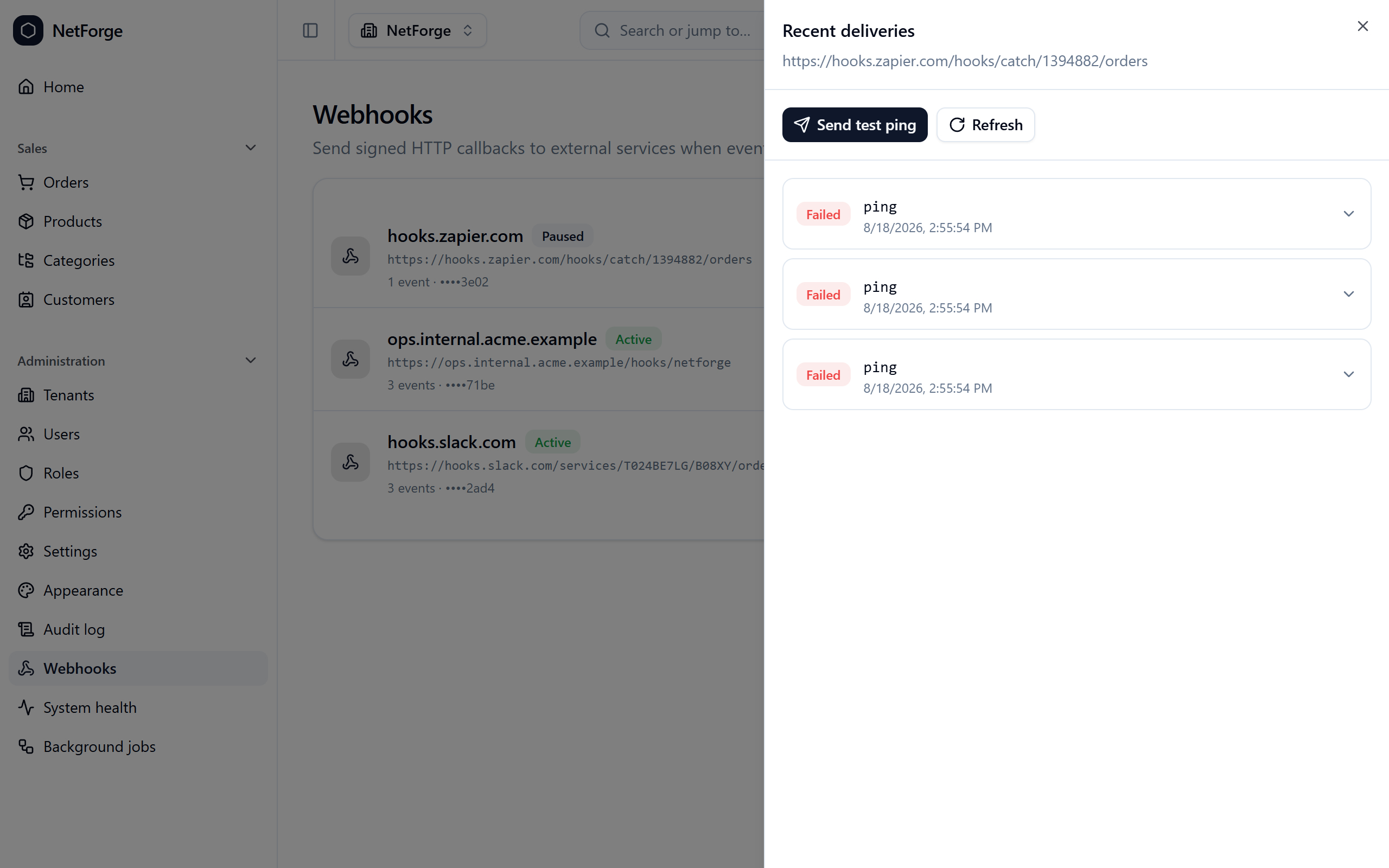
Each endpoint has a delivery log: every attempt with its status, response code, duration, and the exact signed payload — expand a row to inspect the request and response. A failed delivery is retried automatically on a backoff schedule (5s → 30s → 5m → 1h → 6h) before giving up. You can resend any delivery or fire a test ping, and the log refreshes live while attempts are in flight.
Verifying a delivery
Each request carries X-NetForge-Event, X-NetForge-Delivery, X-NetForge-Timestamp, and X-NetForge-Signature: sha256=<hex> — an HMAC-SHA256 of the raw body using your endpoint's secret. Recompute the HMAC over the bytes you receive and compare in constant time.
Out of the box the platform emits user-admin events (user.locked, user.unlocked, user.deleted, user.roles_changed); the Sales demo adds order and product events the same way.
Emitting an event
Publish from any handler — the dispatcher fans it out to matching active subscriptions and queues a signed delivery per match:
await _eventBus.PublishAsync("order.shipped", new { order.Id, order.Number });Declare new event names as a public const string on any *WebhookEvents class (reflection-discovered into the catalog, exactly like permissions) and they appear in the subscription editor automatically. The recipe is Emit a webhook event.
Community edition
Webhooks are a Pro feature. See Editions.